

INLINE SOFTWARE USER GUIDE
Full Manual
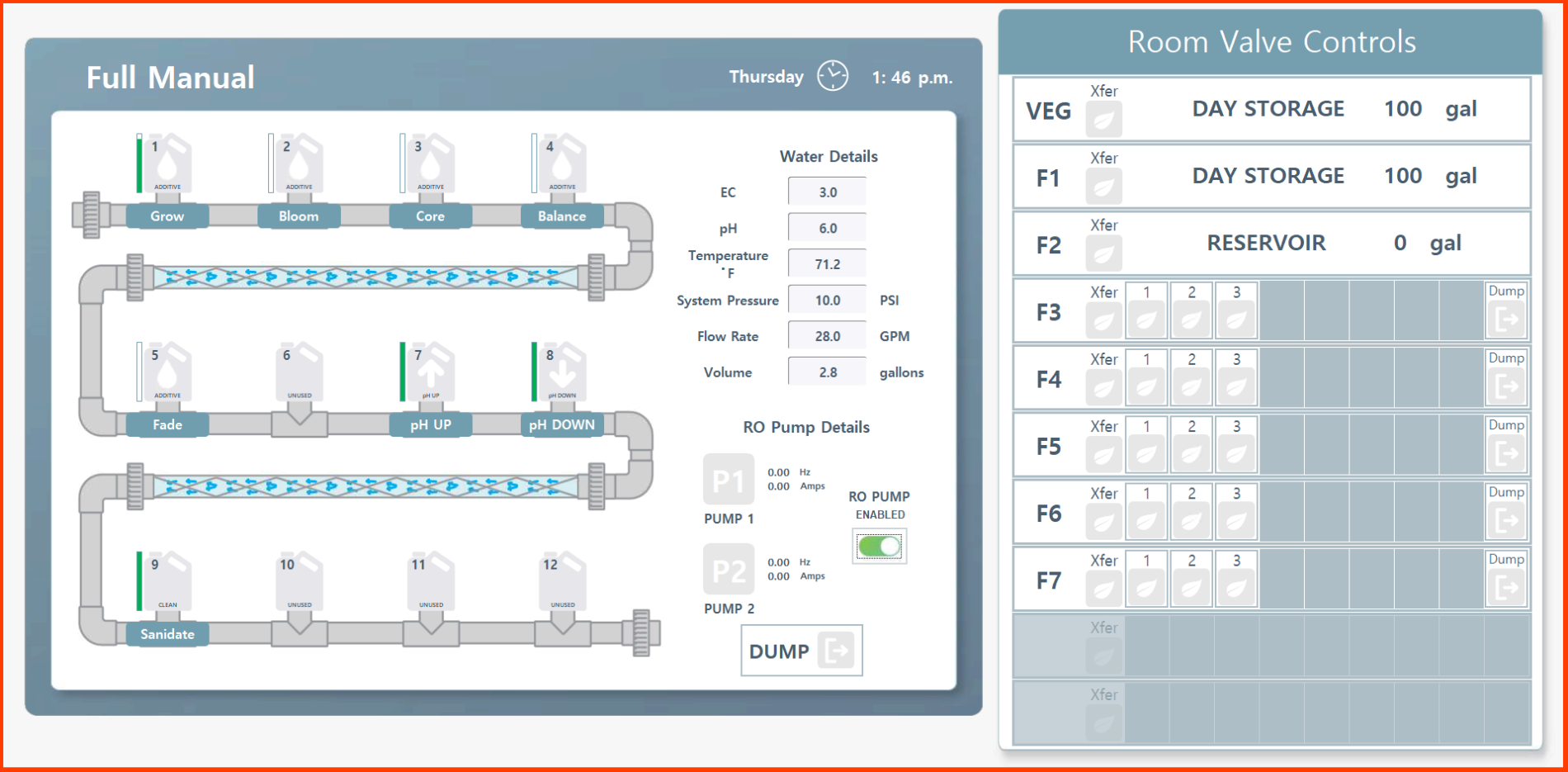
Full Manual Mode. You can get to manual mode by going to Rhythm Logo > Full Manual. This allows you to run the machine completely manual and will be denoted by a RED OUTLINE AROUND THE ENTIRE SCREEN.

Important!
When in manual mode, no automation will run meaning schedules will NOT be fed to any rooms. YOU WILL NEED TO EXIT FULL MANUAL MODE TO RESUME ANY FUNCTION. This can be done by simply clicking on any of the menu buttons: "Rooms" "Overview" "Recipes" "Alerts" or any of the menu items within the Rhythm Logo icon.
Note: Feeds will be queued when in full manual. When you leave full manual you will need to press “resume” on the overview page to begin feedings that were queued while in full manual.
When in manual mode, no automation will run meaning schedules will NOT be fed to any rooms. YOU WILL NEED TO EXIT FULL MANUAL MODE TO RESUME ANY FUNCTION. This can be done by simply clicking on any of the menu buttons: "Rooms" "Overview" "Recipes" "Alerts" or any of the menu items within the Rhythm Logo icon.
Note: Feeds will be queued when in full manual. When you leave full manual you will need to press “resume” on the overview page to begin feedings that were queued while in full manual.
Pressing full manual while a feed is in progress will result in the following set of actions:
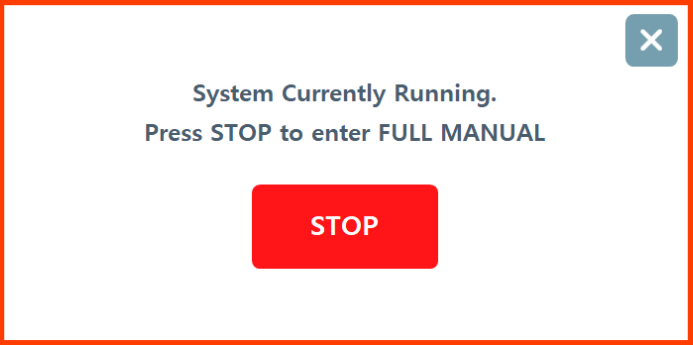
A red error popup will let you know that a feed is in progress. Press stop to continue or "x" to cancel.
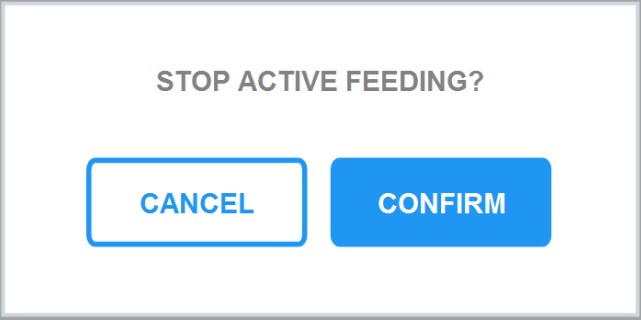
If you pressed "stop," a popup will ask you to confirm the active feeding cancellation again.
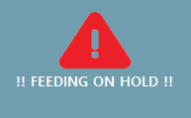
While in full manual, an alert icon will appear at the bottom to remind you while you are working in full manual that a feed was interrupted and is waiting to resume.
Manual mode while a feed is in progress. To avoid having to stop a feed in progress, you can go to Rhythm Logo > Dashboard > Press "Maintenance Hold" instead. This will PAUSE the current feed instead of stopping it altogether. You can then go into FULL MANUAL mode by going to Rhythm Logo > Full Manual.
FULL MANUAL'S purpose can be helpful in the following situations:
Maintenance or service on the machine. You will use FULL MANUAL while you service the machine by cleaning filters, calibrating pumps, cleaning processes/running a cleaning solution through the system lines, or fixing any plumbing issues that arise. For details on servicing the physical system, please see MAINTENANCE.
Moving inline contents to rooms/zones. A less frequent application in inline fertigation, but manual mode does allow manual nutrient injection and manual zone transfers (opening solenoids). To transfer to a room, first click "Xfer." The green leaf icon will highlight and then you can send the contents (or simply test opening the solenoid) to whichever zone you need within that room. There is no timed distribution in FULL MANUAL so you will need to either select all zones simultaneously if you want the mix to go to the entire room (depending on room size) or manually time how much each zone gets in pressing them one-by-one.

Step one: transfer room.
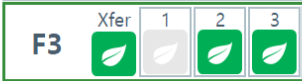
Step two: transfer individual zones or dump.
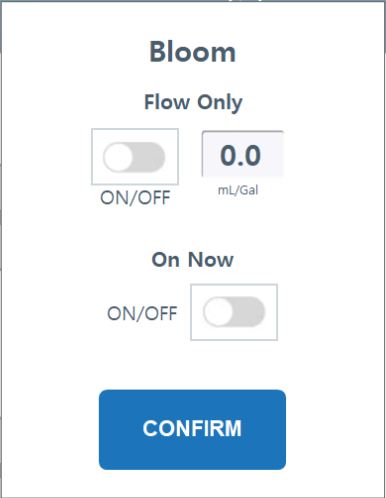
Nutrient Dosing. You can click on any nutrient bottle icon to immediately start dosing a certain nutrient into the tank. The water droplet icon will turn blue to let you know it is actively dosing.
Flow Only
On Now
Flow Only
On Now

Dump. Manual dump action to clear out irrigation lines. Red icon indicates actively dumping.
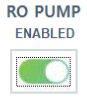
Maintenance Pump Disable. When servicing the main irrigation pumps, it is recommended to turn them completely off. When this toggled is selected and grayed out, it means the pumps will not turn on no matter what actions are taken while in full manual.


.svg)